
Europe Expansion
Vector Agents Enters Europe. Announcing Our Regional Leadership.

Europe Expansion
Vector Agents Enters Europe. Announcing Our Regional Leadership.


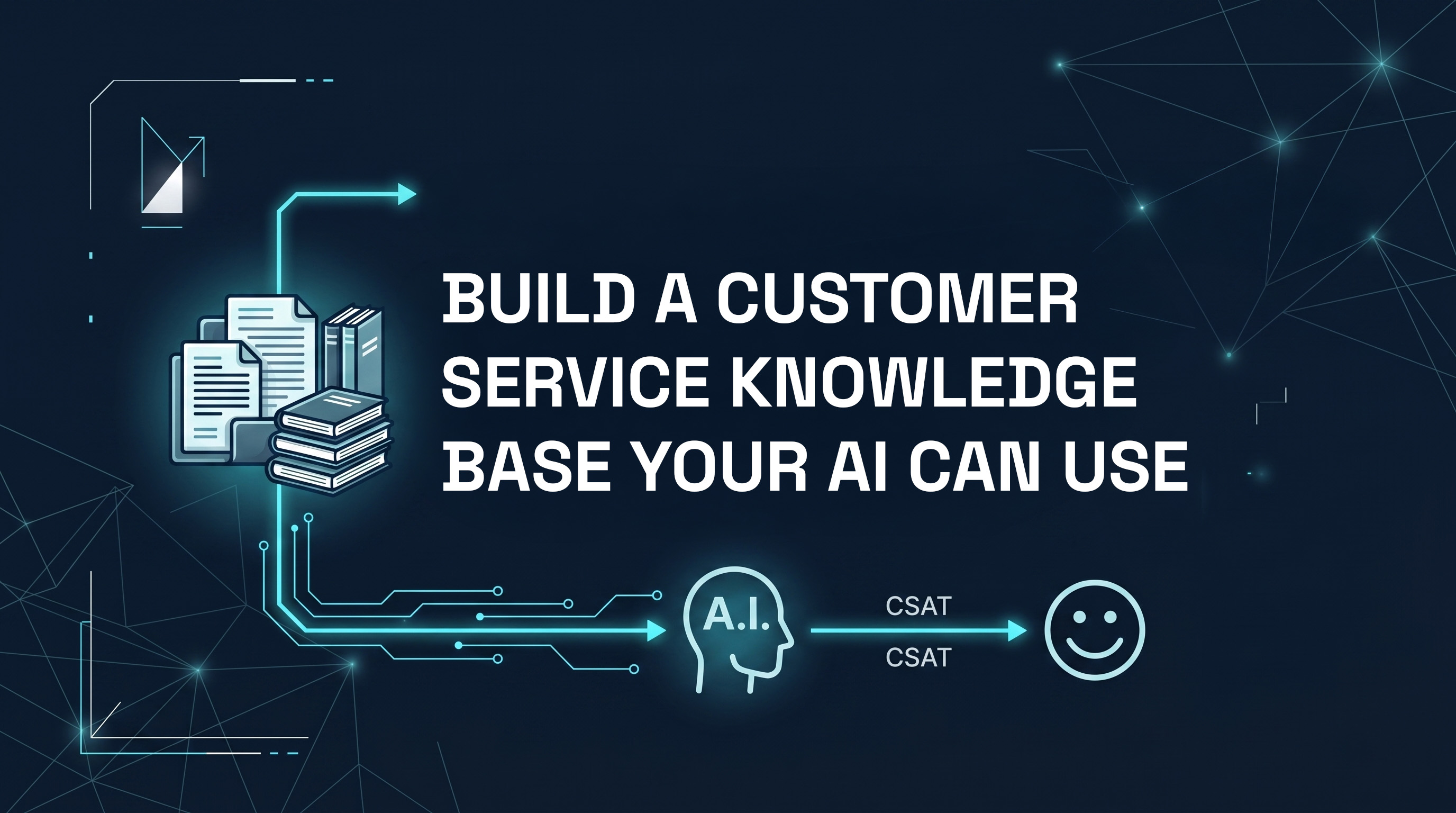
Here's the most common reason AI customer support agents underperform: the customer service knowledge base is bad.
Not because the technology failed. Not because AI isn't ready for enterprise support. Because the agent was deployed on top of outdated FAQs, inconsistent documentation, and information scattered across five different documents, with contradictions between them.
An AI agent is only as good as what it knows. If the foundation is weak, the output is unreliable, and an unreliable AI agent is worse than no automation at all, because it gives confidently wrong answers.
This guide is about building a customer service knowledge base that makes your AI agent excellent: comprehensive, accurate, well-structured, and easy to maintain.
A customer support knowledge base, in the context of an AI customer support agent, is the structured collection of information the agent uses to answer customer queries.
This isn't just an FAQ page. It's everything the agent needs to know to handle the full range of customer interactions: product details, pricing, policies, procedures, troubleshooting steps, escalation criteria, and more.
The quality of this foundation determines almost everything about agent performance. Businesses that invest in their knowledge base for customer support before deploying an AI agent consistently outperform those that bolt the agent onto whatever documentation already exists.
Start with an honest inventory of your existing documentation:
For each document, assess: Is this accurate? Is it up to date? Is it consistent with other documents? Is it clear enough that someone (or an AI) could read it and give a correct answer based on it alone?
Most businesses find that their existing documentation is partial, inconsistent, and outdated in places. That's normal. The audit tells you where the gaps are.
Your historical support tickets are the most valuable input for building a customer knowledge base, because they tell you exactly what customers actually ask, in their own words.
Export the last three to six months of tickets. Then:
Categorise by query type. Group similar queries together. "Order hasn't arrived," "Where is my package," and "Shipment delay" are all the same query type. How many distinct query types do you have? Most businesses find between 20 and 80.
Identify your top 20 query types by volume. These are your priority. A knowledge base entry for each of these covers the majority of your support volume.
Identify queries that generated low CSAT. These are the ones where your current responses aren't meeting customer expectations. The customer service knowledge base needs especially clear, accurate content for these. 27% of customers cite a lack of support team knowledge as their primary frustration, and 31% report having to repeatedly explain their issue. Both problems are directly solvable with a well-structured knowledge base and an AI agent.
A customer service knowledge management entry for an AI agent is different from a web help article. It needs to be:
Specific, not general. "We value our customers and take all concerns seriously" is useless to an AI trying to answer a refund question. "Refunds are processed within five to seven business days of the returned item being received" is useful.
Structured in a way the AI can reason from. Use clear question-and-answer format where possible. "Q: What is your refund policy? A: We offer a full refund within 14 days of purchase, provided the item is unused and in original packaging." Clean, unambiguous, complete.
Consistent across entries. Contradictions in your knowledge base create uncertain agents. If one document says "48 hours" and another says "2 business days," the agent will hedge or give inconsistent answers. Pick one and standardise.
Complete without being verbose. Long documents with excessive preamble make it harder for AI to extract the relevant information. Front-load the key fact and add detail below it.
Suggested knowledge base categories:
This is the most overlooked step in knowledge base design, and one of the most important.
Your AI agent needs to know clearly: when should it not try to answer this and instead hand off to a human?
Write explicit escalation criteria into the knowledge base:
The more explicit these criteria are, the more consistently the agent applies them. Vague escalation criteria produce inconsistent escalation behaviour, which erodes customer trust. Getting escalation right is also central to handling customer complaints at scale without burning out your team.
Before deploying your AI agent, run a quality pass on the customer support knowledge base:
A knowledge base that's accurate at launch becomes inaccurate over time if nobody maintains it. Build a maintenance process:
There's a tendency to blame poor AI agent performance on the AI itself. In most cases, the real cause is the knowledge base.
AI models like the ones that power modern customer support agents are remarkably capable at understanding intent, reasoning from context, and generating clear responses. What they can't do is fill in information that isn't there, or make consistent decisions based on inconsistent source material.
If your AI agent is giving uncertain, incorrect, or generic responses, check the knowledge base before assuming the technology is the problem. Nine times out of ten, the fix is there.
Rhea is a digital worker built specifically for customer support, and she works 24/7, across every channel, in 100+ languages, without adding headcount.
She resolves incoming tickets by referencing your customer service knowledge base and past support interactions, delivers personalised product guidance, and escalates to your human team when a query genuinely needs one. Your team stops doing triage and gets their time back.
The stronger the knowledge base behind her, the better she performs. Rhea references your approved content directly rather than drawing on generic data, which means her answers stay accurate and specific to your business. As your knowledge base grows, so does the quality of her responses.
The team at Vector Agents works with you to build and structure your knowledge base correctly at deployment, because that's where the quality of every customer interaction is decided.
The gap between an AI agent that impresses and one that frustrates almost always comes back to the same place: the quality of the customer service knowledge base behind it. Get the foundation right and the technology delivers. Skip it, and you're automating uncertainty at scale.
The steps in this guide aren't complicated, but they do require care and commitment. Audit your existing content honestly. Mine your ticket history for what customers actually ask. Structure your entries so an AI can reason from them clearly. Define escalation criteria explicitly. Review before launch. Maintain consistently.
That's the work that separates support operations that use AI well from those that don't. And it's exactly the work Vector Agents does with you before Rhea goes live, because we've seen enough deployments to know that the knowledge base is where the outcome is decided, not the technology on top of it.
Book a demo today if you're ready to build a customer support knowledge base that actually performs.
Frequently asked questions
A customer service knowledge base is a structured collection of information an AI support agent uses to answer customer queries. It typically includes product details, pricing, policies, troubleshooting steps, and escalation criteria. The quality of this content directly determines how accurately and consistently the AI responds to customers.
Start by auditing your existing documentation, then mine your support ticket history to identify the most common query types. Structure each entry in clear question-and-answer format, ensure consistency across all entries, and define explicit escalation criteria. Review for accuracy before launch and assign someone to maintain it on an ongoing basis.
Most businesses need between 20 and 80 distinct knowledge base entries to cover the majority of their support volume. Start by identifying your top 20 query types by volume. These typically account for the bulk of inbound tickets and should be your first priority before expanding coverage to less frequent query types.
The most common cause is a poor or outdated knowledge base, not a failure of the AI technology itself. If your knowledge base contains contradictions, gaps, or vague content, the agent will produce uncertain or incorrect responses. Reviewing and improving the knowledge base resolves the majority of AI accuracy issues before any configuration changes are needed.
At minimum, review it monthly by checking which queries the agent escalated or handled poorly. Any pricing, policy, or product changes should be reflected on the same day they happen. Treating the knowledge base as a living document, rather than a one-time setup task, is what keeps an AI agent accurate over time.
Customer service knowledge management is the ongoing process of creating, maintaining, and organising the information your support team (or AI agent) relies on to resolve customer queries. It includes defining ownership, establishing review cadences, updating content when the business changes, and identifying gaps through ticket analysis and agent performance data.

.svg)


.svg)
Vector AI All rights reserved. © 2025


.jpeg)